Human Missile on every device
The loop never changes. Only the hold control does.
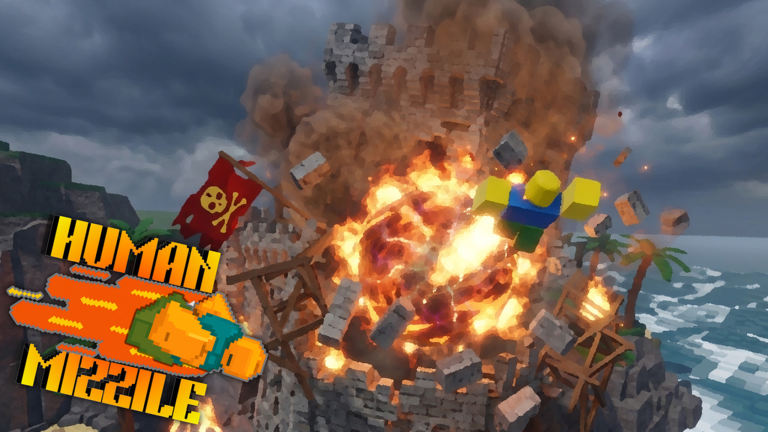
Human Missile is a Roblox Physics Sim, so it follows you to PC, a phone, and a gamepad. The official how-to already splits the launch: hold the mouse on PC, hold boost on mobile, hold the right trigger on console. Steering is the camera on all three. This page is the missing device guide so you stop treating a phone session like a broken PC port.
Keep the controls tool open as the pocket card. Use how to launch if only the charge fails. Use troubleshooting if the client eats the input.
What is the same everywhere
You are the missile. You hold to leave the pad. You steer with the camera. You explode by hitting brick at speed. You spend points on more destruction. Eight players share the server. The experience is still BETA. None of that cares whether your thumb or a mouse started the hold.
If a site tells you mobile has a secret smash button, it is lying. Smash is impact. See how to smash.
PC
Click the Roblox window so the browser or overlay does not steal the press. Hold the mouse button through the whole charge. Move the camera with the look input you already use in other Roblox games. A laptop trackpad can launch; it is a worse look stick than a mouse. If you play on a laptop, consider an external mouse before you blame physics.
Do not bind a ‘macro hold’. That is how accounts meet script safety.
Mobile
Hold the on-screen boost control. Lock rotation so the HUD does not rotate mid-charge. Give the thumb a rest between dives; a sweaty tap is not a hold. Camera look is still the steer. If your phone’s look sensitivity is wild, lower it in Roblox settings before the first house, not after the third bounce.
Play on wifi if you can. A hitch mid-dive turns a smash into a bounce and looks like a studio bug. Report real regressions through bug reports with device notes, not ‘mobile is broken’ after one lag spike.
Console
Hold the right trigger. Confirm the trigger is not remapped in the console’s accessibility or Roblox gamepad settings. Camera is the right stick in the usual Roblox layout. If the trigger click feels like a tap, you are releasing early. The walkthrough still wants three full charges on night one.
VIP servers are not offered on this universe. You share the eight-player pad with whoever Roblox matched. Multiplayer covers that social physics.
Switching devices mid-week
Muscle memory does not port. The first launch on a new device should be a hold drill at a fat house, not a world tour. Re-read getting started if you last played on PC and tonight you are on a bus with a phone.
Favorites and visits follow the Roblox account, not the device. The shop is the same beta catalog. Do not buy a cosmetic on phone because the button was easier to mash.
What we will not invent
A touch-only skillshot. A gyro mode the official page never listed. A console exclusive missile. When Maddorith adds a device-specific line to the description, this page will quote it. Until then the split is the one they already printed: mouse, boost, right trigger.
If your device cannot hold, you cannot play. Fix the hold, then smash. Everything else on this wiki assumes that order.
Frequently Asked Questions
Quick answers to the most common Human Missile questions.
Does Human Missile play the same on mobile?
Yes. Hold boost to launch, steer with the camera, smash at speed. There is no extra mobile smash key.
What do I hold on console?
The right trigger, as the official Roblox description states. Camera look still steers the body.
Can I use a keyboard launch key on PC?
The official PC line is a held mouse button. If the studio adds another bind later, patch notes will say so.